
Summer is coming to an end, and that means planting season is starting. Since our June newsletter, Gardiflora has grown a lot. You can now put your plants on the map and share your garden with whoever gardens with you. The app also gives advice that fits your garden.
In this newsletter:
- Your plants on the map, and sharing your garden
- Good to know: advice for your garden, with sources
- Smarter tasks
- The Eco-Score shows how to reach the next level
- And also
- Seasonal tip: plant in autumn
Your plants on the map, and sharing your garden
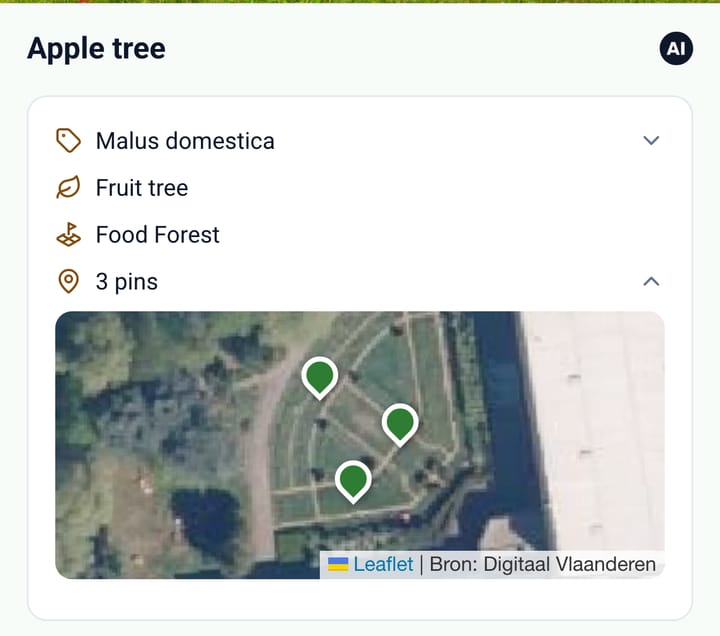
You can now put every plant on the map. If a plant grows in several spots, like a hedge or a group of perennials, each spot gets its own pin. Open the plant, and the map shows where it grows. With Bloom you see all your plants together on your garden map.
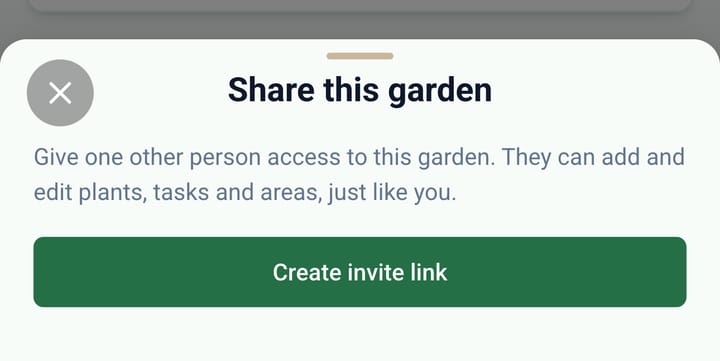
If you garden together with your partner, a neighbour or your parents, you can share your garden with them in the garden settings. That is free. If you have more than one garden, you switch by tapping the name in the top bar. For a shared garden, it also shows who shared it with you.
Good to know: advice for your garden, with sources
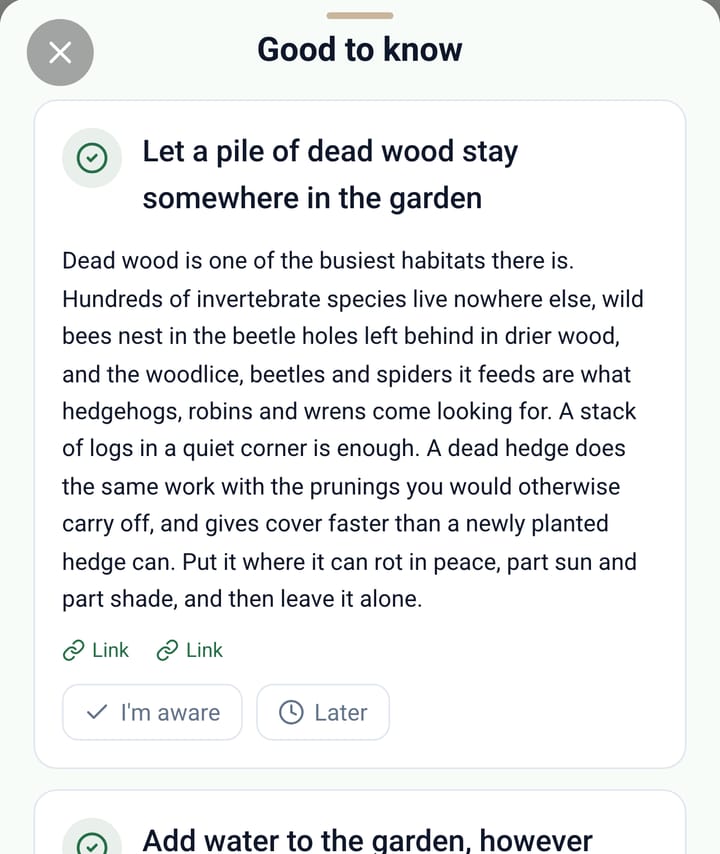
Sometimes a lightbulb appears in the top bar. It means there is advice that fits the plants in your garden and the season. Tap it to read what you can do. The sources are listed with it, so you can check where the advice comes from. Once you have read it, you can set it aside. It only comes back when it applies again.
Smarter tasks
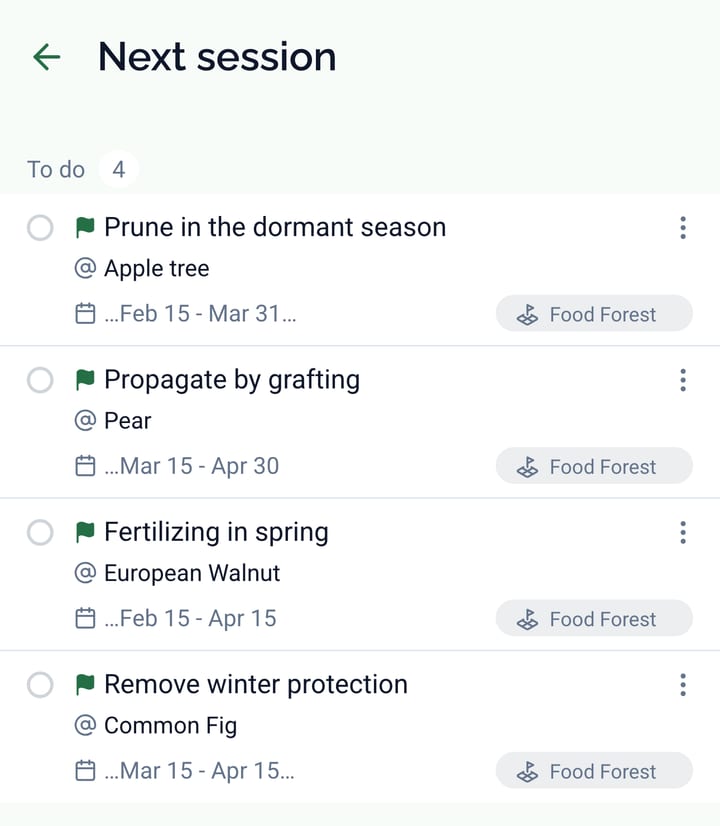
Spotted a task you want to pick up next time? Flag it for your next session. All flagged tasks gather on the Next session screen. That way you know where to start as soon as you head into the garden.
If there is work you never do, for example taking cuttings and sowing, switch those task categories off for that garden. After that, you only see the work you do. The task list also shows how often a task repeats. And you can now filter by several types at once.
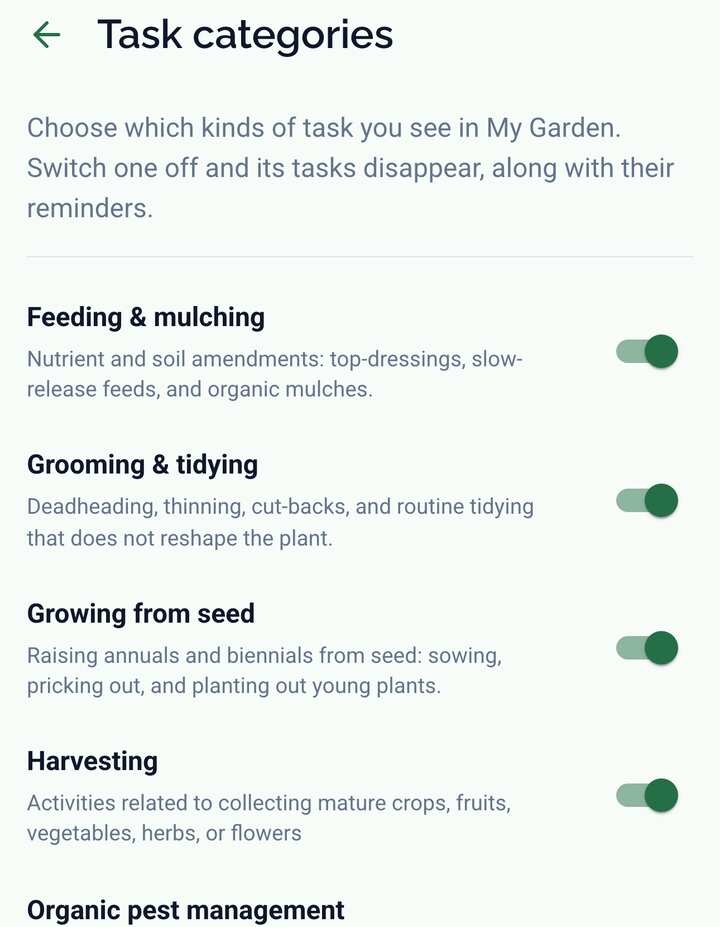
Task management is part of the Bloom subscription.
The Eco-Score shows how to reach the next level
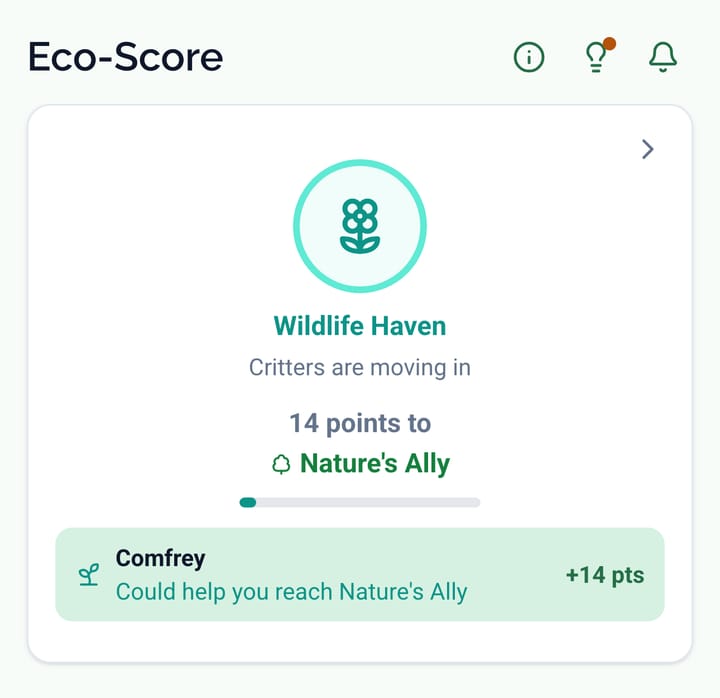
The Eco-Score badge now shows how many points you are from the next level. It also shows which addition brings you closest to that level. So on your next trip to the garden centre, you know what to look for.
And also
- The app opens straight away with the garden you saw last, and also works without a connection.
- When you open a plant from a task, you also see its growing conditions and warnings.
- Text written by AI gets an AI label. Tap it to read how that text came about.
- Email and push notification settings are together on one screen. Each feature shows which plan it needs.
Not seeing these updates yet? Update the app via Google Play or the App Store.
Seasonal tip: plant in autumn
Autumn is the best planting season of the year. The soil is still warm and the rain does the watering for you. That gives new plants time to root before winter, so they are ready to grow by spring.
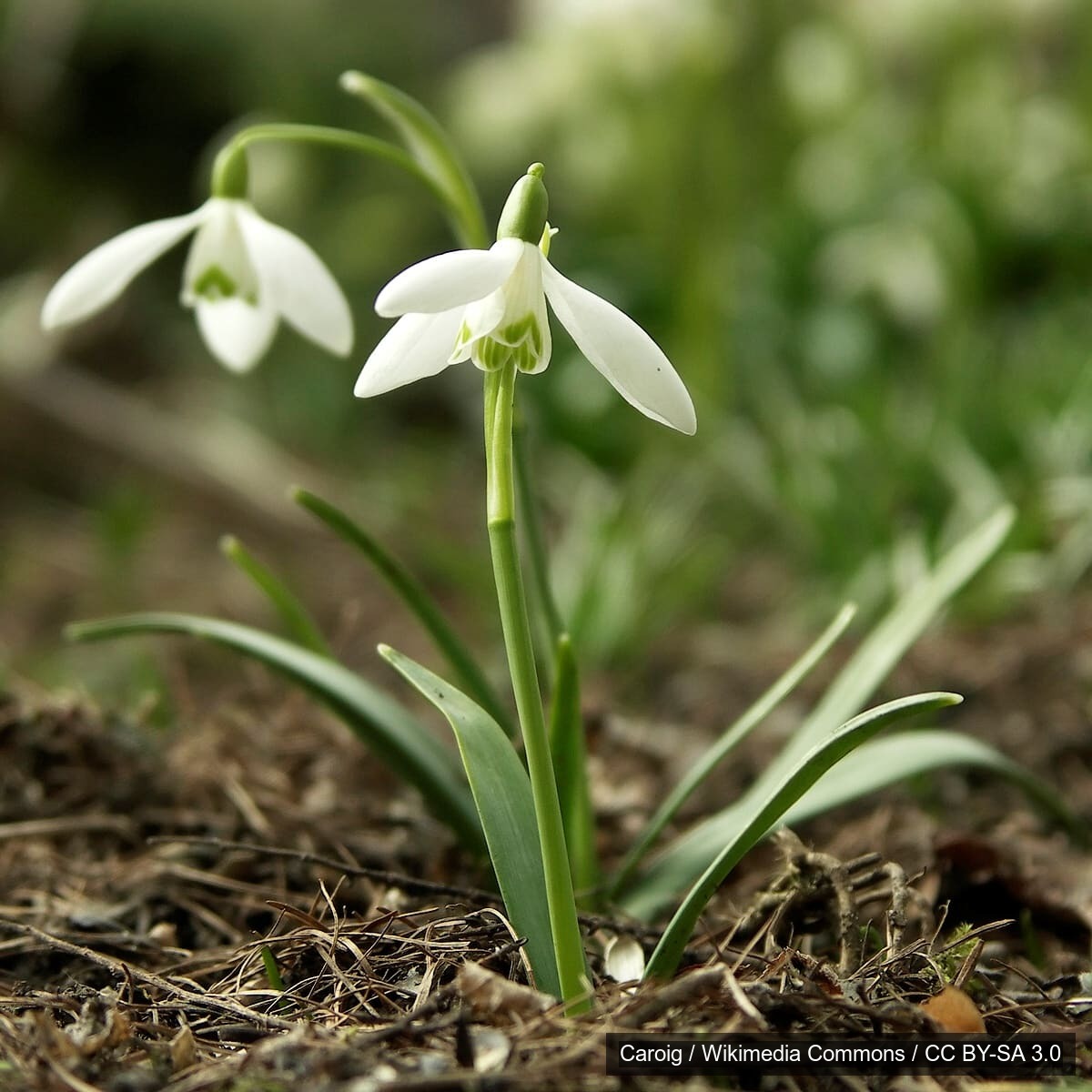
- Plant spring bulbs now for the first bees of the year. Look at your early months in the Bloom calendar: if little is in flower then, a bulb fills that gap.
- From November you can plant bare-root hedges and fruit trees. They are cheaper than potted plants, and they often establish better.
- Leave fallen leaves under shrubs and in borders. They protect the soil and give hedgehogs and insects a place to overwinter.
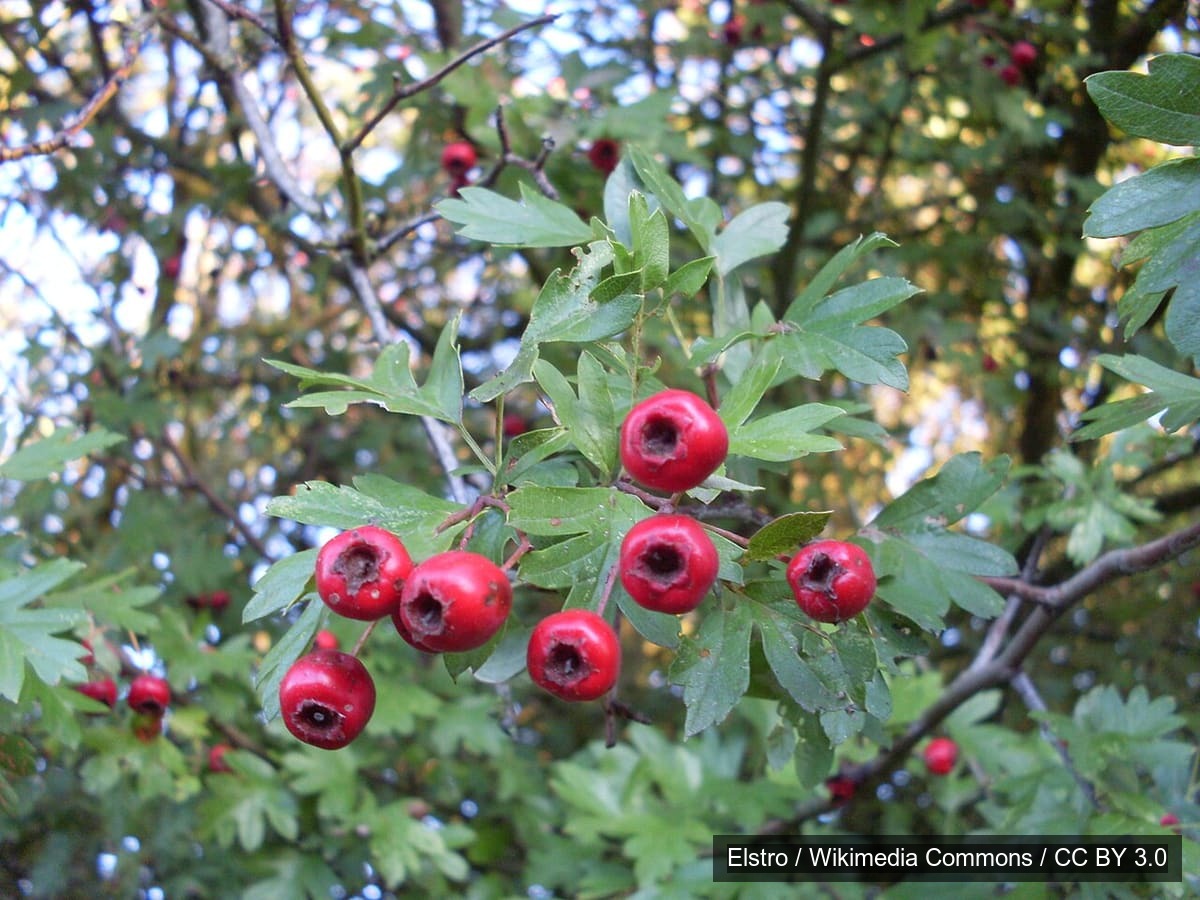
Looking for plants for an empty spot? Switch on "Preferably native" in the Plant Finder to get species from your own region.
See you in the garden!
The Gardiflora team